

2 · Multichannel Publishing
A campaign decided once, produced everywhere.
Select the content to communicate, plan its variants and publish it on every channel.
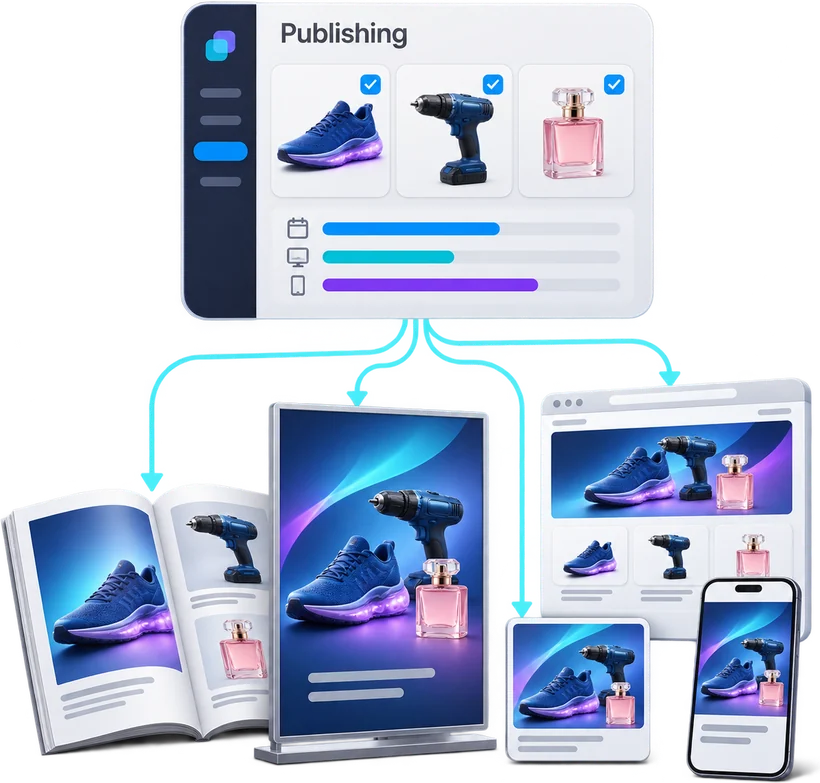
Multichannel Publishing
Select · Plan · Create · Approve · Distribute
Flyers built page by page, annotated PDFs going back and forth ten times, every store redoing its posters: the Multichannel Publishing chain starts from the campaign, turns it into publications, produces them with the rendering engine, has them approved online and distributes them.
- 01 Select Campaign Manager Campaigns and selections
- 02 Plan Planner Formats, languages, variants
- 03 Create DPS + ART Layout and rendering
- 04 Approve PAT / Approval Approval and annotation
- 05 Distribute API + Channels Connectors and distribution
Three levels, three questions
1 · Campaign Manager
What do we want to communicate?
2 · Planner
Where and how will we express it?
3 · ART
How do we produce it automatically?
Campaign → Plan → Render → Validate → Publish
The modules
Six channel families
Take the next step
See Pimalion with your own data.
A tailored demo: your catalogue, your flyers, your channels. 45 to 60 minutes.
-
With your data
Your catalogue, your media
-
45 to 60 minutes
Prepared for your business
-
A clear quote
Only the offers you need